Worship teams
Prepare reusable sets, share the flow, and keep the room—not the screen—at the center.
Build your set, follow auto-scrolling lyrics, and keep the whole team in sync—from the phone already in your hand.
Made for / 01
Prepare reusable sets, share the flow, and keep the room—not the screen—at the center.
Move from rehearsal to stage with readable lyrics and one shared running order.
Keep lyrics clear, controls within reach, and every song ready on the phone already in hand.
Why Lyricscroll / 02
Less friction
Desktop-first lyric sites, manual zooming, and physical binders add work at exactly the wrong time.
Lyricscroll keeps words legible, navigation touch-friendly, and the active set close at hand.
More presence
A complete workflow designed from the stage backward.
Search, plan, auto-scroll, share, and export in one focused mobile experience. Use the web app now or install the PWA on your Home Screen.
Core workflow / 03
Find the songs needed for the next session.
Arrange songs and sections into a reusable setlist.
Open a focused lyric view made for the stage.
Tune type and scrolling without losing the moment.
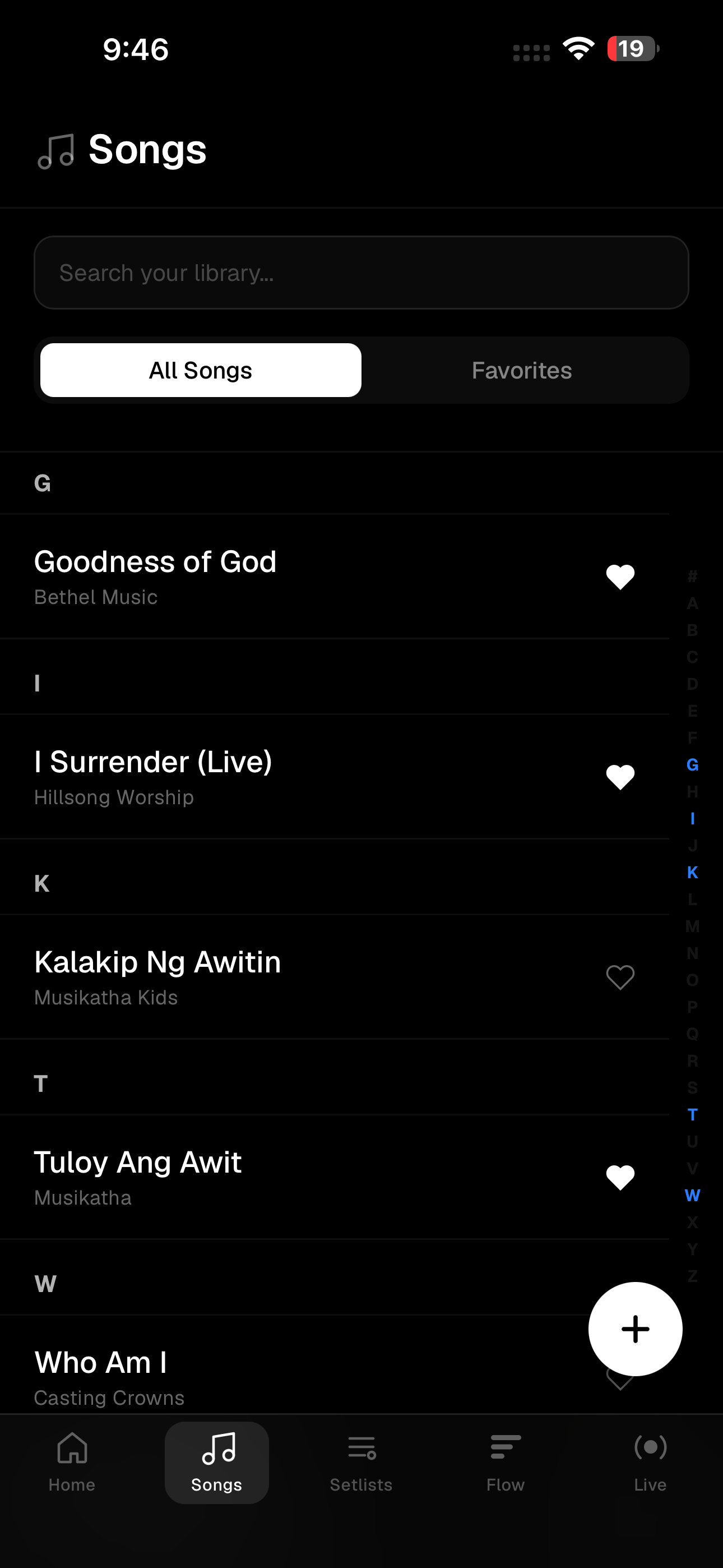
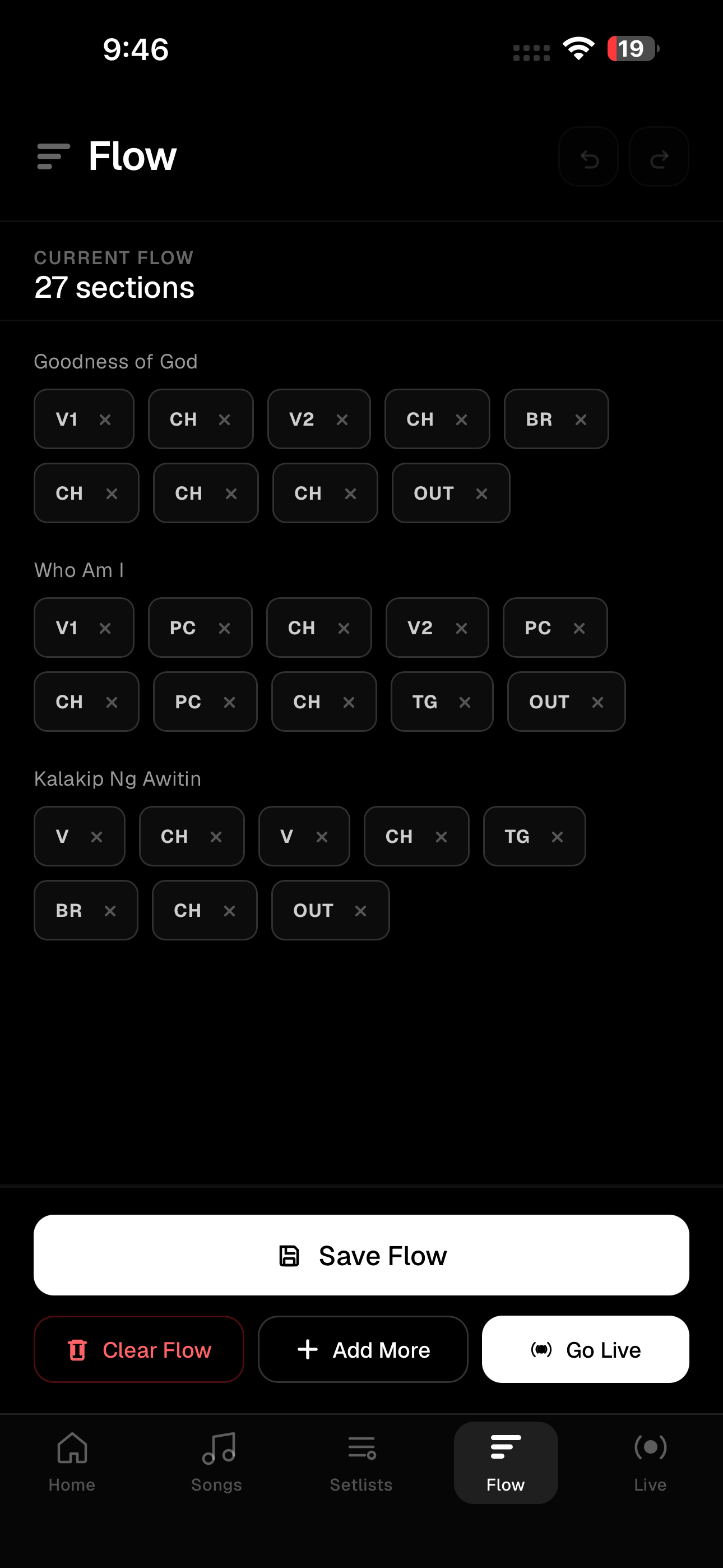
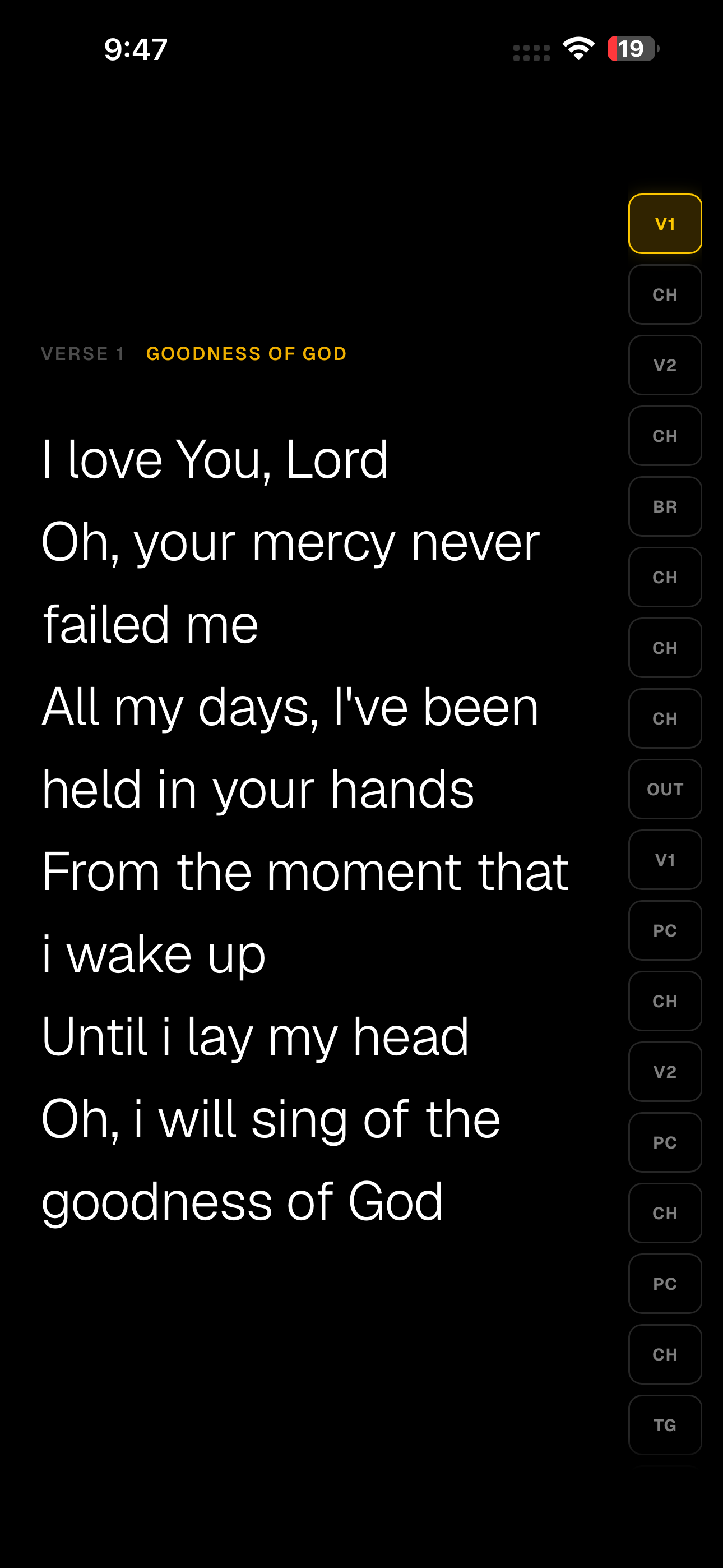
Built for the room / 04
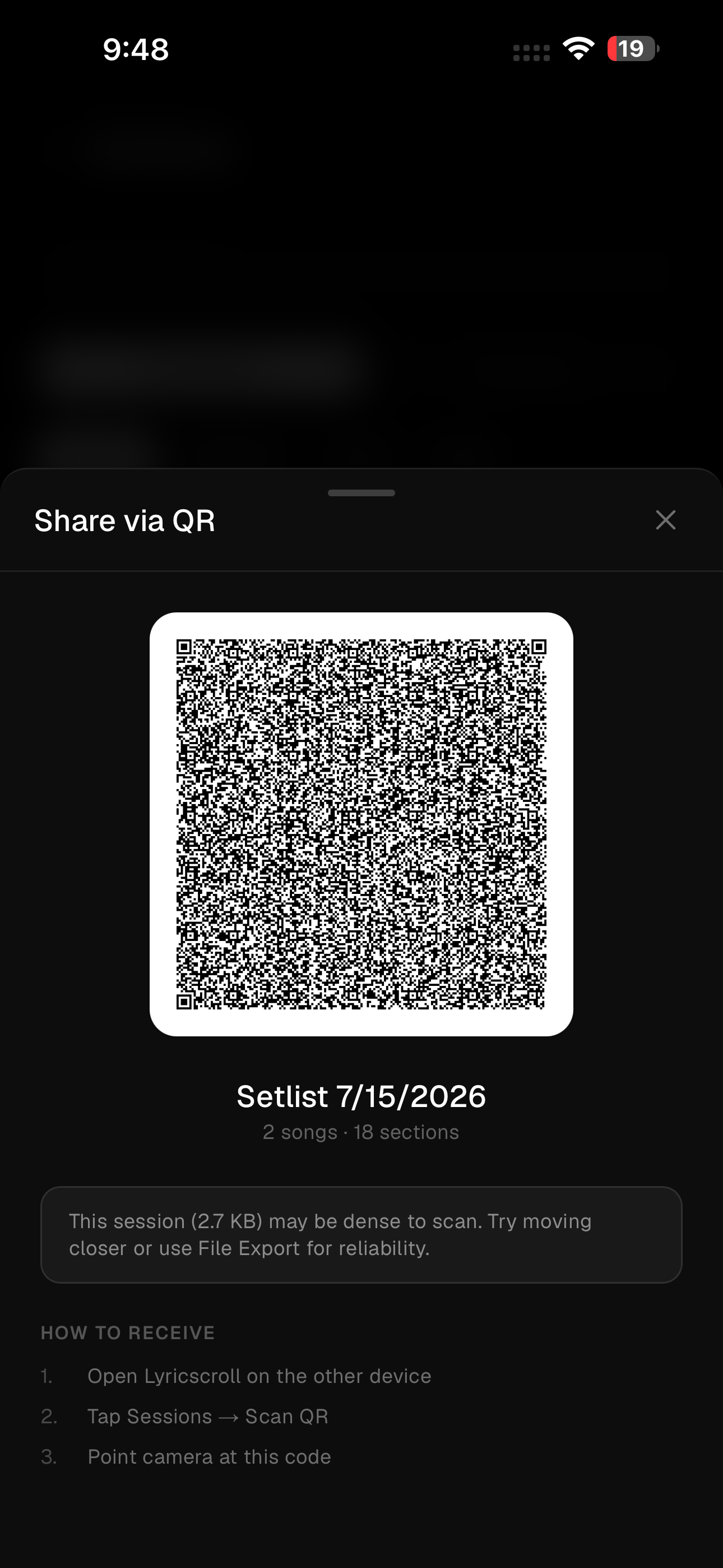
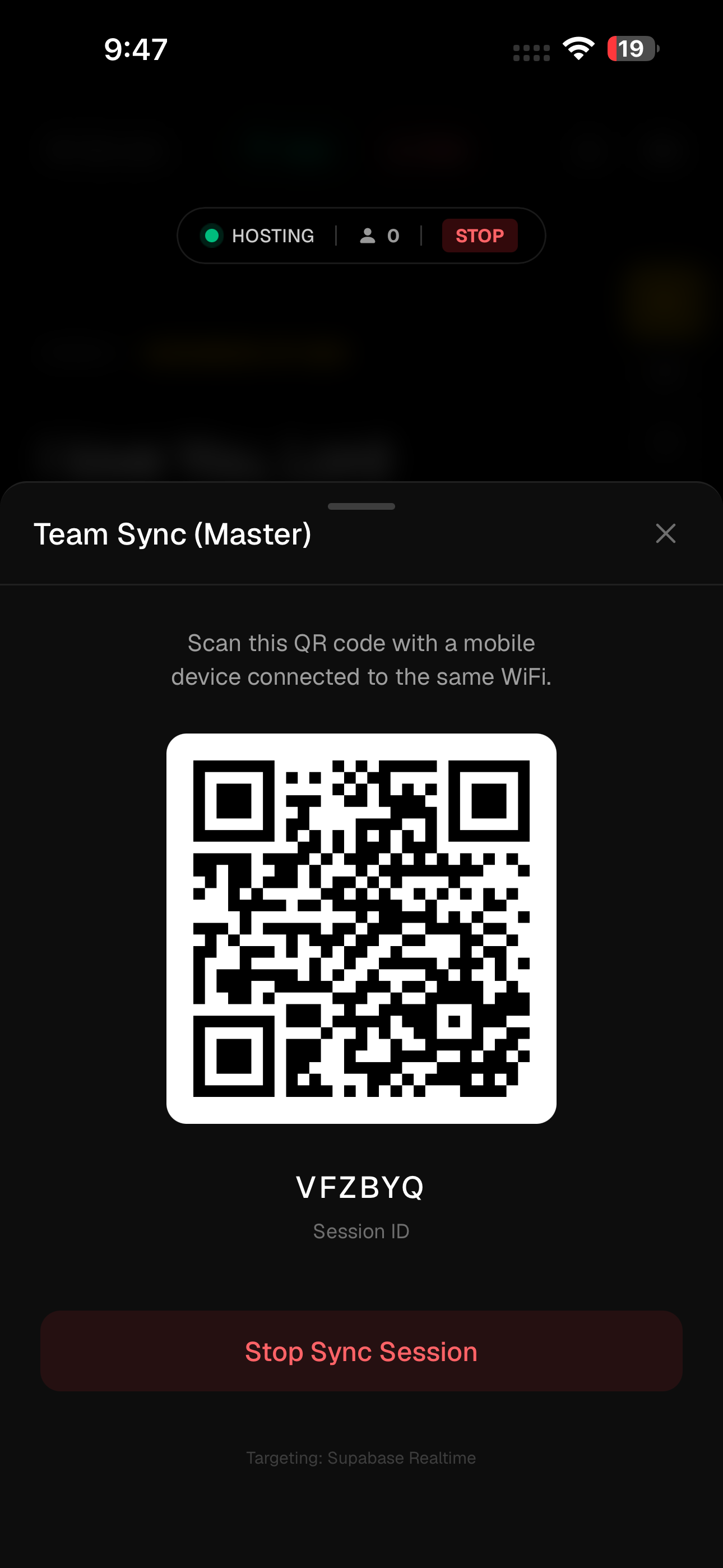
QR sharing lets teams move a complete session between devices quickly. Live team sync keeps everyone aligned on the same flow.
Access / 05
We are currently focused on building the best possible experience. All features are free to use while we gather feedback.
Install today / PWA
Lyricscroll works from your browser and can live on your Home Screen like an app. No app-store download is needed.
Open the web appiPhone or iPad
Open app.lyricscroll.online in Safari.
Tap the Share button. If it is hidden, tap More, then Share.
Scroll down and tap Add to Home Screen. If you do not see it, tap Edit Actions and add it.
Turn on Open as Web App, then tap Add.
Android phone or tablet
Open app.lyricscroll.online in Chrome.
Tap More (the three dots) beside the address bar.
Tap Add to home screen, then choose Install.
Follow the on-screen prompt. Lyricscroll will appear with your other apps.
Privacy & control / 07
Lyricscroll works locally without an account. Cloud backup is optional and becomes active only when you sign in with Google or email.
Read the privacy noticeUse the core app and keep a local library without signing in.
Sign in only when you want backup and sync across devices.
Privacy, support, and deletion guidance stay available outside the app.
The public web app is delivered over HTTPS to protect data in transit.
Questions / 08
Yes. The web app and installable PWA are available now. Native Google Play and App Store releases are coming soon.
No. Open Lyricscroll in Safari on iPhone or Chrome on Android, then follow the Add to Home Screen steps on this page. See the full install guide.
Yes. The core app remains usable offline. Signing in with Google or email is optional and enables cloud backup across devices.
Search your song library, arrange songs and sections into reusable flows, tune the live view, and share a set by QR.
The Privacy page explains the data used for optional cloud features. The Account Deletion page separates clearing local device data from deleting a cloud-connected account. Read account deletion guidance.
Visit Support for installation, sign-in, sync, export, privacy, and copyright guidance. Open Support.
Ready / Now
Open Lyricscroll in your browser, or add it to your Home Screen for an app-like experience today.
Open Lyricscroll